Practical, hands-on PLC training through realistic simulation.
PLCLogix is a powerful simulation platform designed to replicate the functionality of the most widely used PLCs in industry, including Logix 500 and Logix 5000 systems. It provides an accessible, cost-effective way to gain real-world experience without the need for physical hardware.
Developed for students, educators, and professionals, PLCLogix bridges the gap between theory and application. It allows users to program, test, and debug ladder logic in a fully interactive environment that closely mirrors actual PLC software and hardware.
Why PLCLogix?
Real PLC hardware is expensive, time-limited, and often impractical for training. Mistakes can lead to downtime, equipment damage, or safety risks.
PLCLogix removes those barriers by providing a safe, flexible environment where users can learn, experiment, and build confidence at their own pace.
Overview of Key Features
PLCLogix combines realistic simulation with an intuitive interface to deliver a comprehensive learning and development experience.
Graphical User Interface GUI
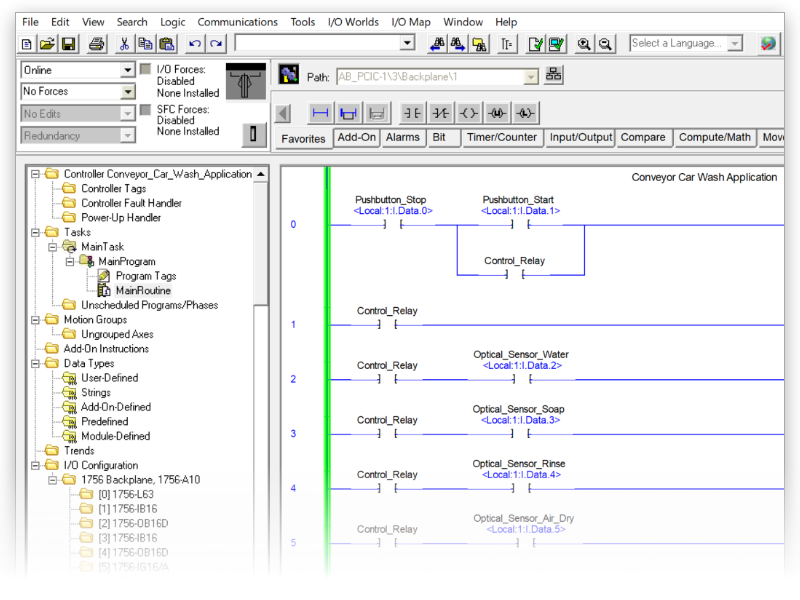

I/O Chassis Simulation
Interactive 3D Simulation
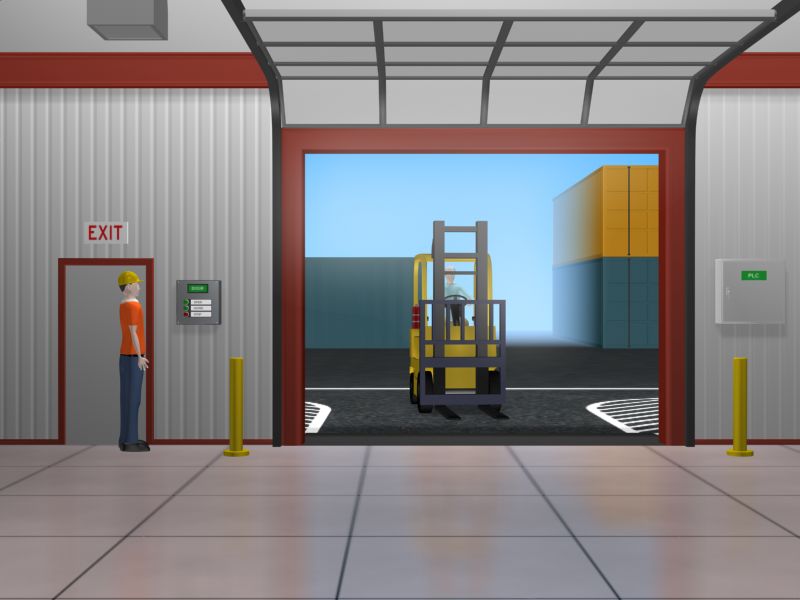
Warehouse
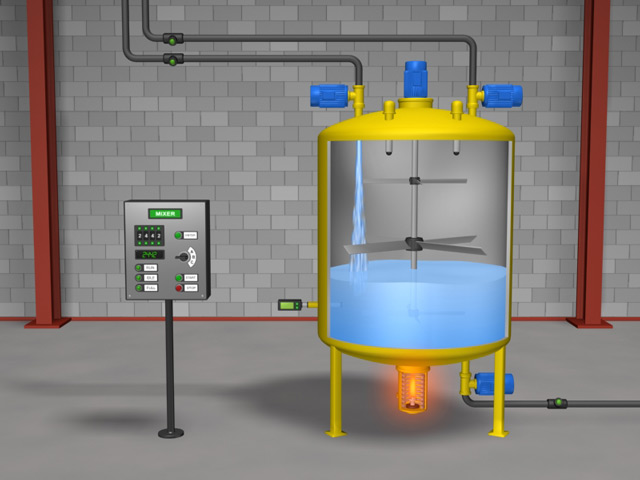
Batch Mixing
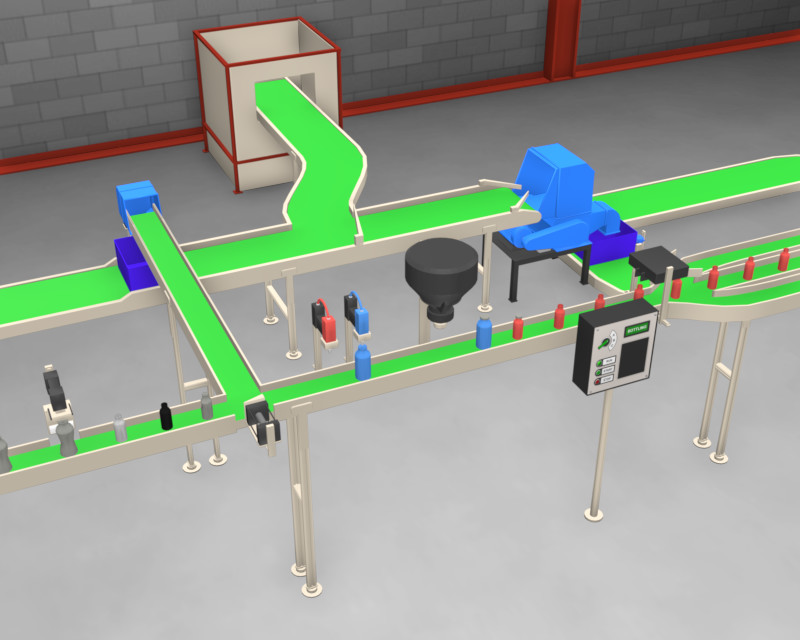
Bottling Line
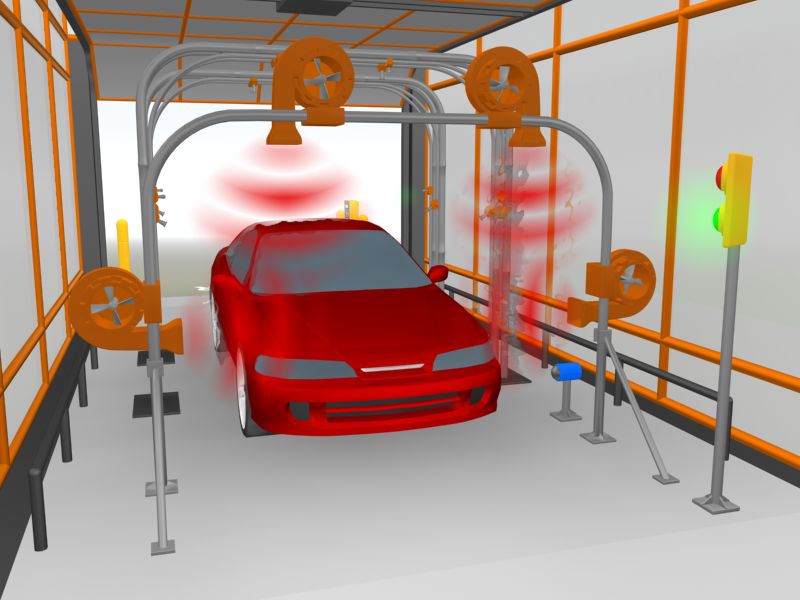
Car Wash
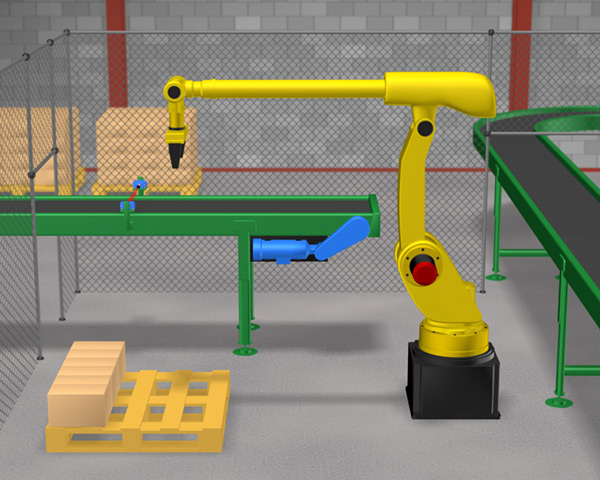
Robot Cell
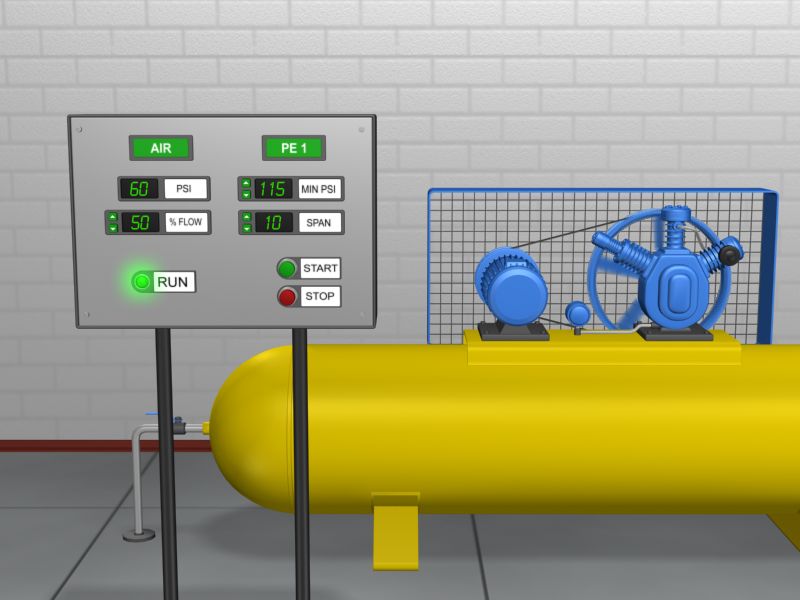
Air Compressor
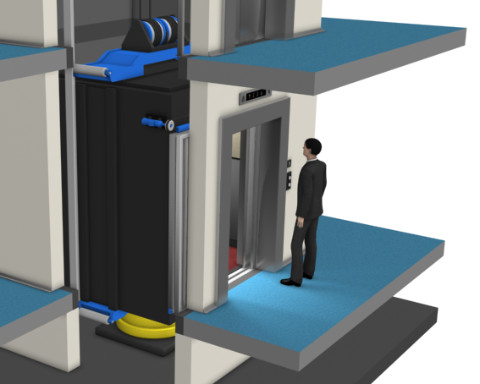
Elevator
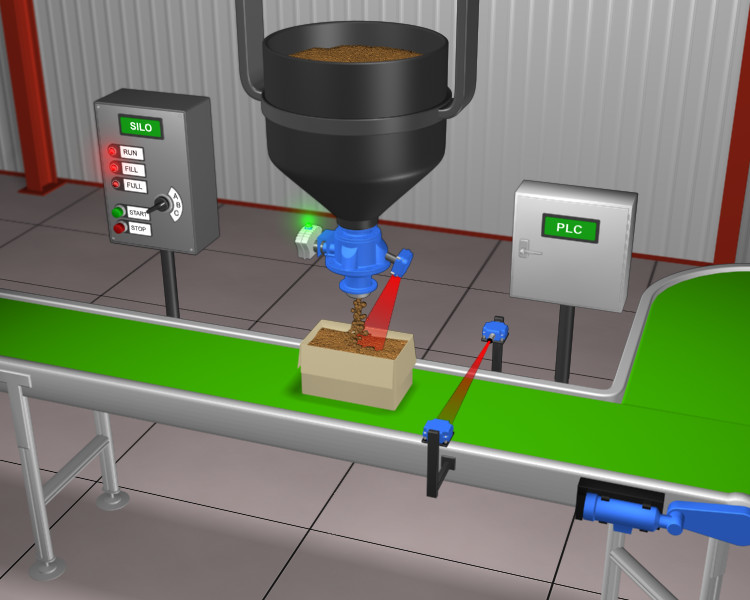
Silo

Traffic Lights

Wind Turbine
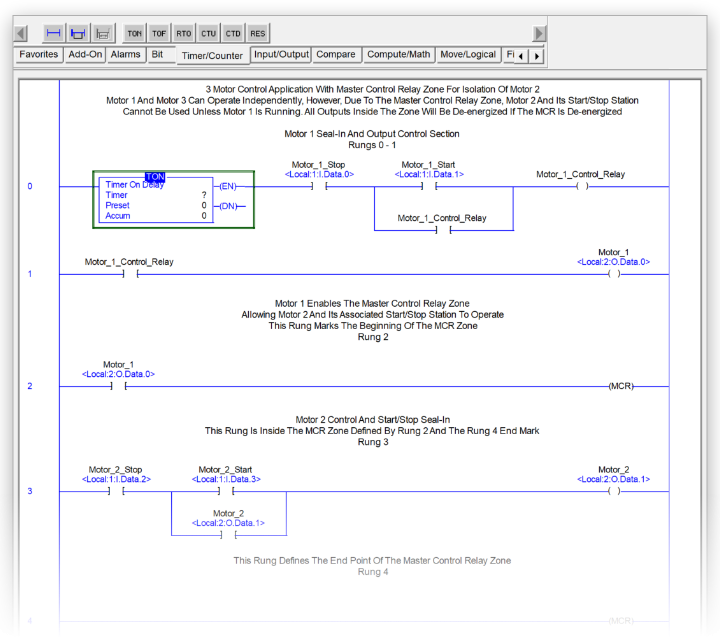
Ladder Logic Editor
Advanced Data Handling
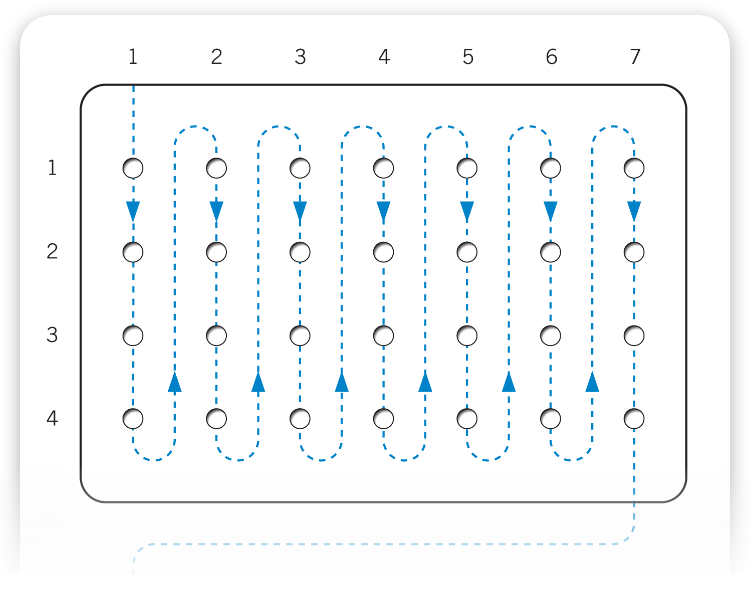
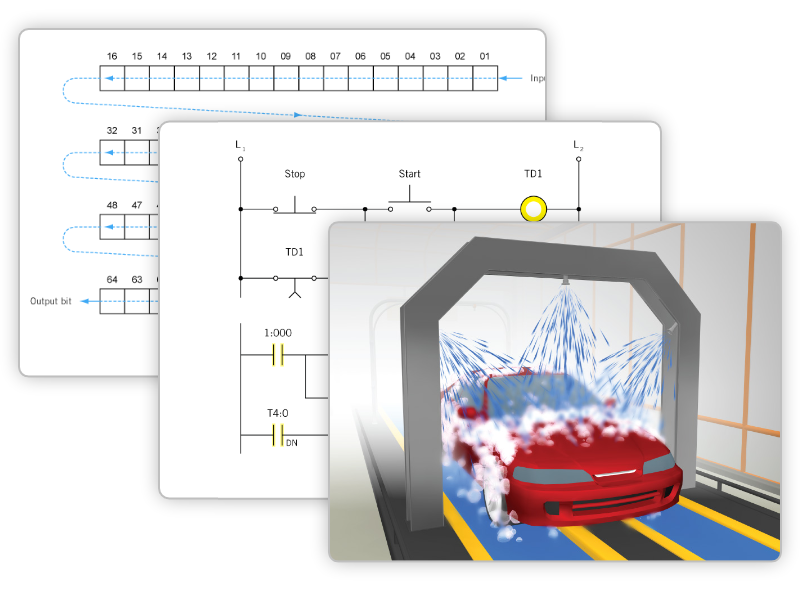
eLearning Integration
PLCLogix supports structured learning through guided exercises and training content, making it suitable for both classroom and self-paced environments.
PLCLogix is also available as part of a comprehensive eLearning Package (eLP), with versions for both PLCLogix 500 and 5000, supporting introductory through advanced levels of study. With interactive lessons, assessments, and hundreds of lab exercises, it provides a complete, guided learning experience.
Start building real PLC skills today with PLCLogix.
Explore a free trial or purchase PLCLogix 500 or PLCLogix 5000 to begin your hands-on training experience.